Coming 2027
An AI tutor that sits beside the book, not inside a screen.
For kids ages 6–10. Lantern sees what your child is working on and talks them through it, whether it’s a book from home, homework from school, or extra practice.
Your kid does the work. Lantern does the coaching.

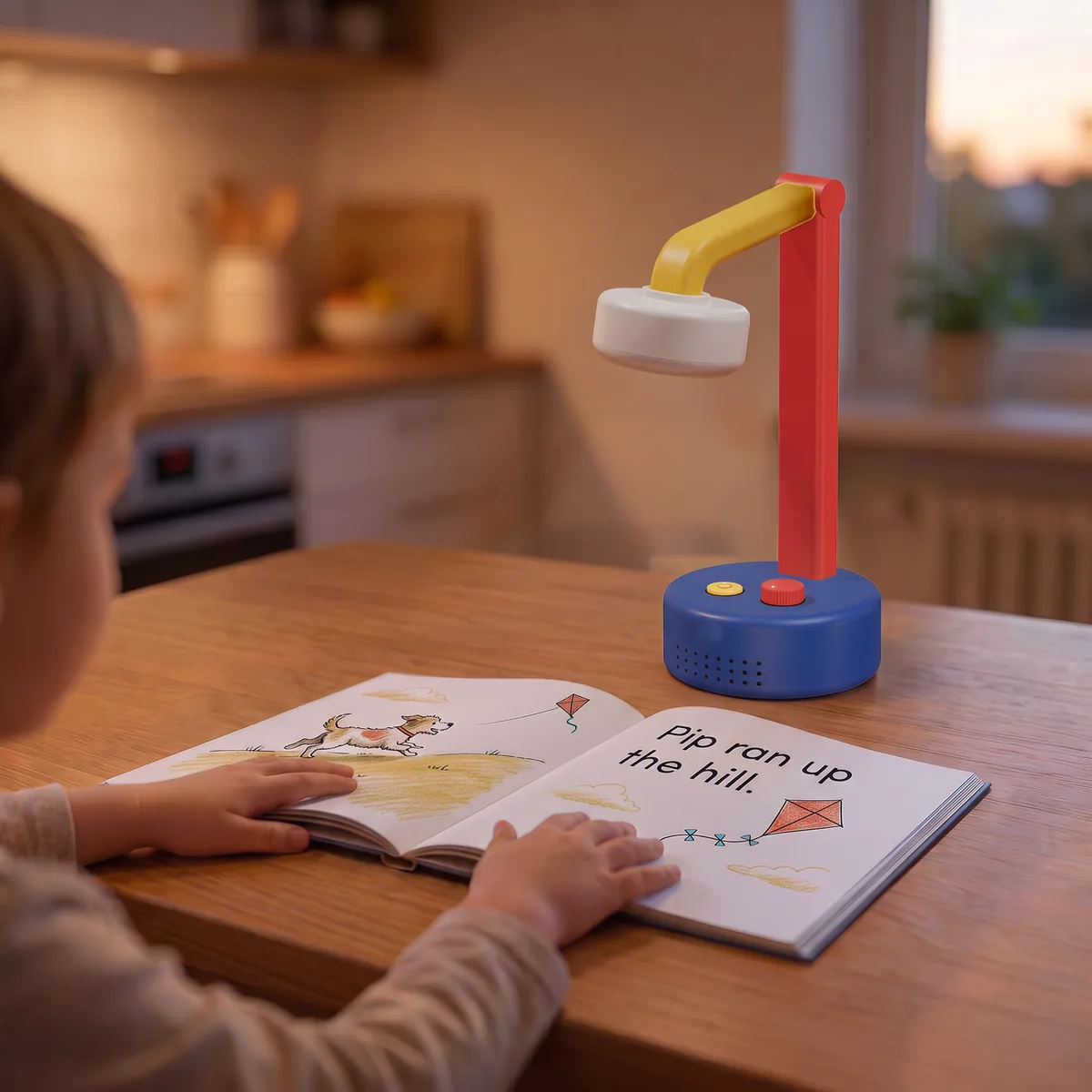
One-on-one attention matters. Most kids don’t get enough of it.
Tutors can help, but they’re expensive and out of reach for many families. Parents can’t be at the table every afternoon. And most learning apps solve for scale by putting kids back on a screen.
What it helps with
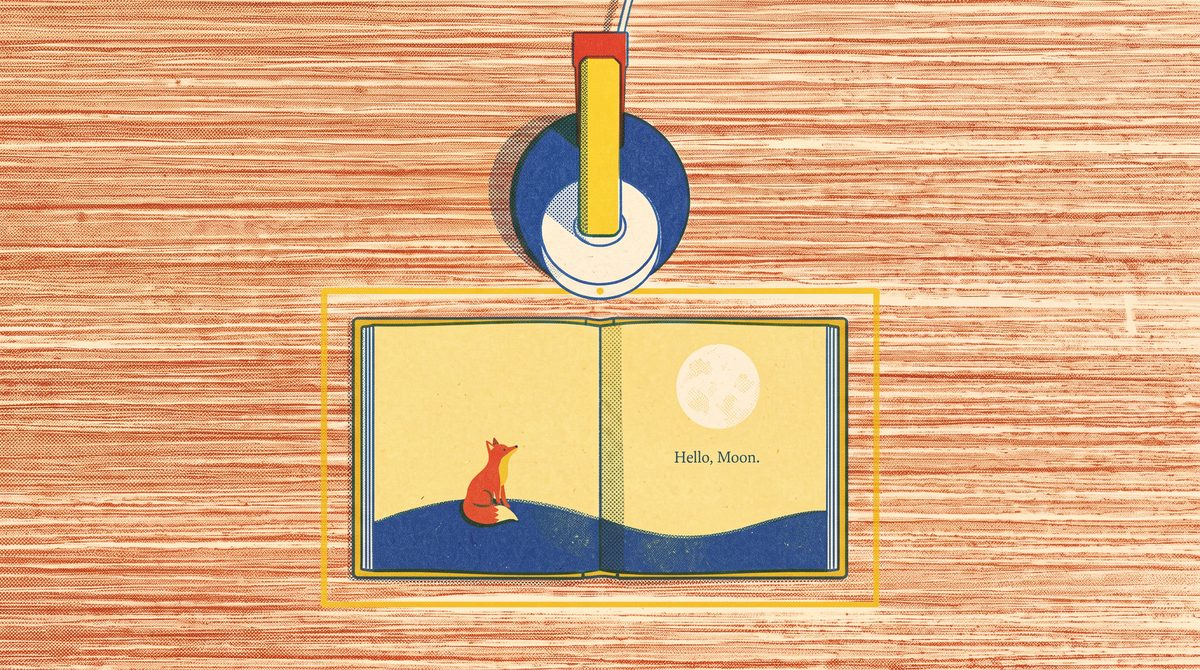
One tutor for the work already in front of them.
Books from home. Homework from school. Extra practice.
-
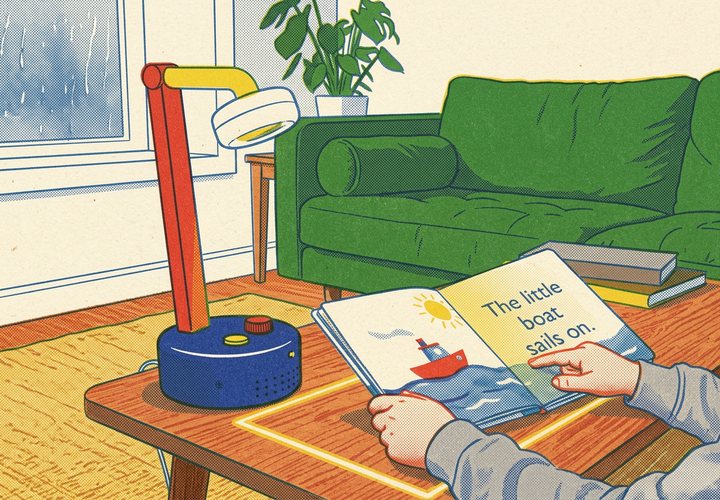
Books from home
Your child reads a book they already own. Lantern follows along, notices where they struggle, and helps without taking over.
-
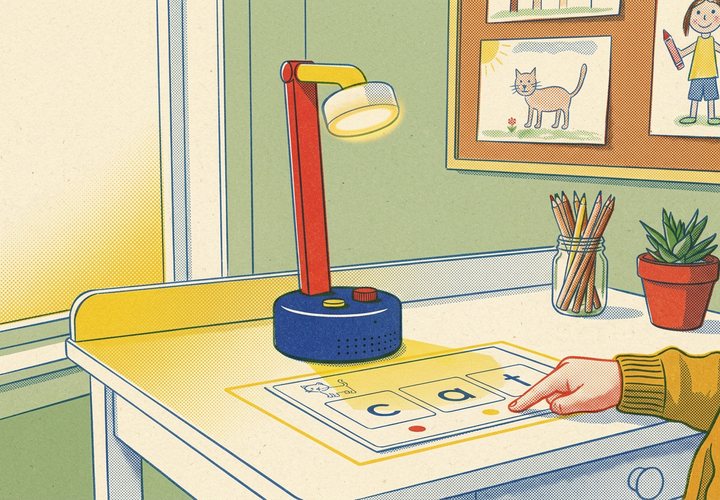
Extra practice
Practice sheets in reading, spelling, and math, pitched to your child’s grade, for the days when homework is done early.
-
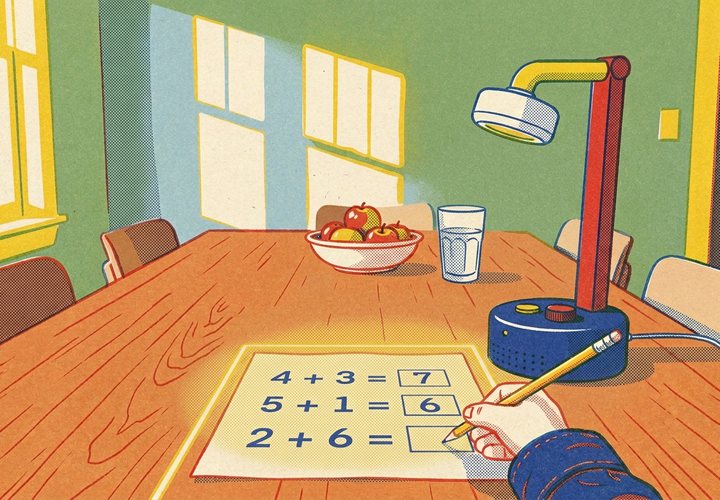
Homework help
Lantern sees the assignment, asks questions, and gives hints, so your child works it out without being handed the answer.


For parents
Lantern helps parents stay involved.
See what your child worked on, how it went, and one simple way to help at home.
-
Today
A plain-English recap of the latest session: what they worked on and how it went.
-
Talk about it
A prompt for the dinner table, so you can reinforce what they practiced.
-
Progress
How things are trending over time, with the numbers there when you want them.
Parents see what their child accomplished, not a transcript of what they said. Parents control consent, pausing, export, and deletion from their account.
Private by design
The camera sees the page.
The safeguards are things a parent can see and touch.

-
A physical camera shutter
Slide it closed and the lens is covered.
-
A light when Lantern is listening
A separate status light stays on whenever the microphone is on.
-
The camera faces the page
Lantern points down at the book or worksheet. A lit outline shows the area Lantern can read.
-
Consent comes first
Before a child uses Lantern, a parent reviews the COPPA Direct Notice and gives consent.
We never sell your information, and we don’t run ads. Read the COPPA Direct Notice or see Privacy & safety.
Every child deserves individual attention.
Lantern makes it possible without another screen.
- NowTesting with families
- 2027Lantern ships